 Plugindex
Every plugin, as a picture
Plugindex photographs each plugin you installed, and takes the pictures of Bitwig's own devices from Bitwig itself. There is nothing to put in a collection first.
See every plugin you own as a picture, and put it on the selected track in Bitwig Studio with a click or a key.
14 days of Pro, then Free. No account, no card. Mac and Windows.
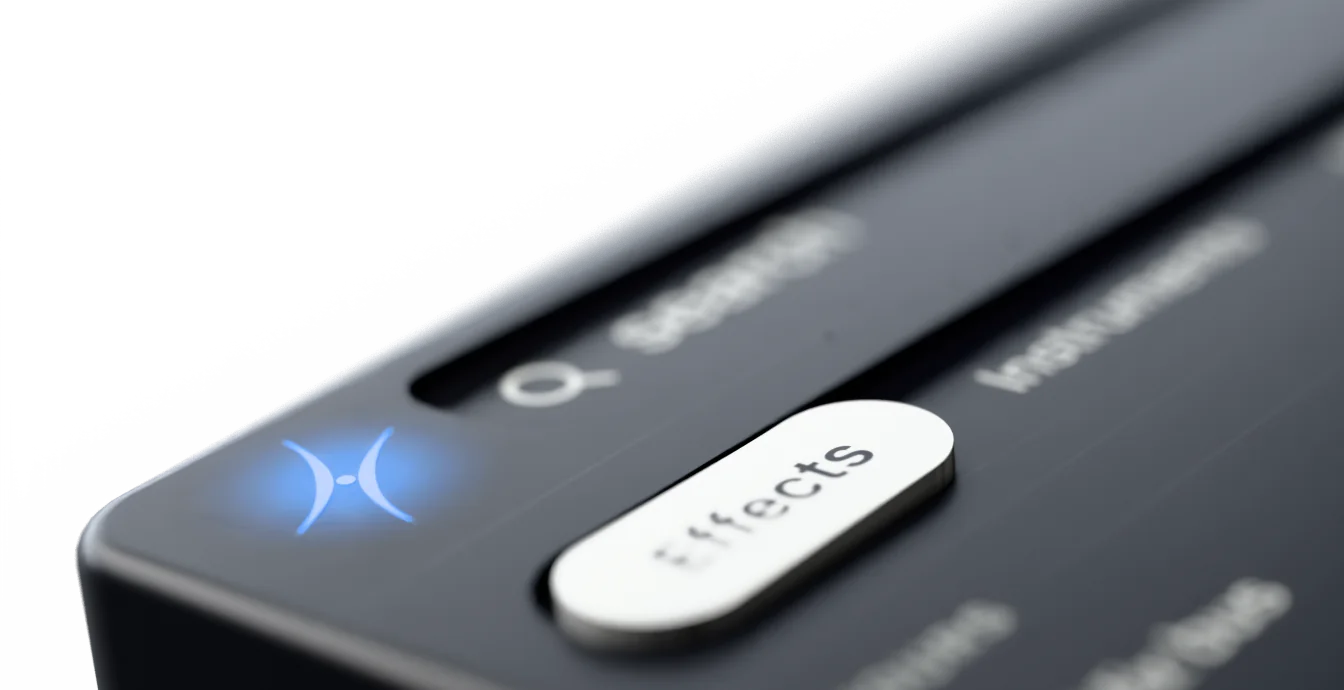
Bitwig Studio keeps plugins in its browsers, the Browser Panel and the Pop-up Browser that opens from a + button, and three parts of them do the work.
Where Bitwig looks for plugins
In Settings, the Locations page lists the folders Bitwig scans for plug-ins. If a plug-in is there in more than one format, Bitwig can hide the extra copy, such as VST 2 beside VST 3.
Every plugin in one list
On the browser's by Kind tab, the Plug-ins source holds your CLAP, VST 2 and VST3 plug-ins. The Category and Vendor filters narrow it, and Tags narrows it by keyword.
Kept by your own hand
Mark a plugin as a favorite, or add it to a collection you made. A smart collection saves a set of filters, so what it shows keeps up by itself.
Your plugins arrive listed by kind and then by name, ready to narrow by the category or vendor they carry. Any other grouping is a collection you make yourself.
Plugindex reads your library from Bitwig's own plugin index, so it knows every plugin Bitwig has found.
Plugindex photographs each plugin you installed, and takes the pictures of Bitwig's own devices from Bitwig itself. There is nothing to put in a collection first.
Compressors, limiters, reverbs, delays: sorted for you, down to the type, whatever category its maker gave it. Or type a few letters of a name or a maker and the grid comes down to it.
Click a plugin, or press the key you gave it. An effect lands at the end of the selected track's device chain, without you opening a browser.
An instrument gets a new track when the selected one already has one, or is an audio, effect or master track. Settings can make that always, or never.
Give a plugin a key in Bitwig Studio. The same key loads it in Ableton Live, Logic Pro, Pro Tools, FL Studio, Cubase, Nuendo, REAPER, Studio Pro and Digital Performer, wherever that plugin is installed.
Plugindex tells you when a key only works in the DAW you're in. Logic Pro is Mac only, and Pro Tools on Windows is still in progress.
Free keeps your whole library, with 75 loads a week and 3 mapped keys. Pro is $99 once, for unlimited loads and keys.
Download Free14 days of Pro first. No account, no card. See pricing
Plugindex for your other DAWs